Today, AOI will show you how to adjust your pneumatic task chair correctly.
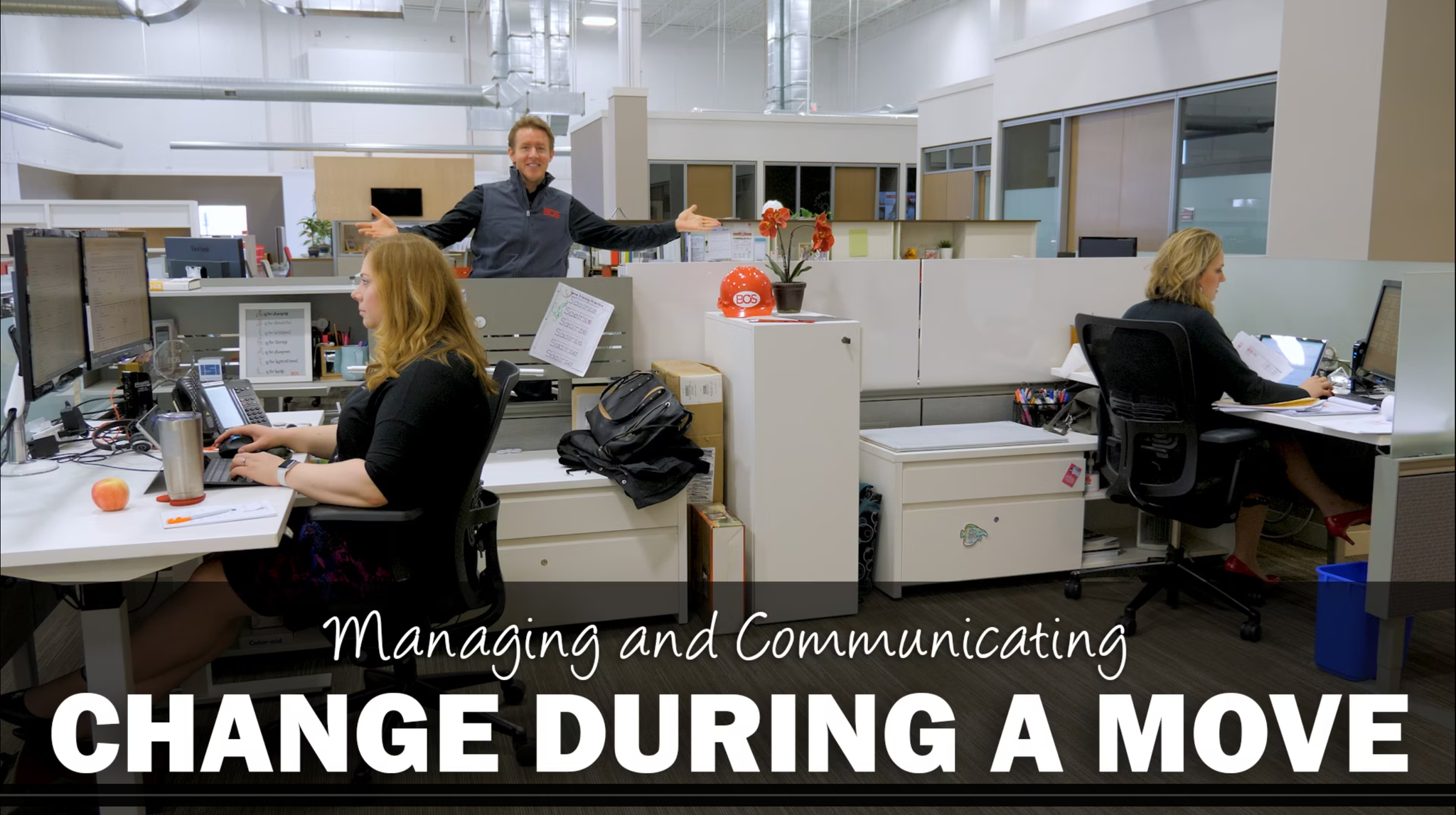
This chair in the video is currently too high. The chair is putting pressure under her knees and restricting blood flow. Overtime, this could have an unwelcomed affect on her body and health. These include:
- Destabilized body and tiredness
- Pressure on thighs, lack of blood flow
- Swelling of legs and ankles
- Varicose veins
- Ineffective lumbar support
- Pressure on the sciatic nerve, causing pain
And that's not all! You'll rack up even more undesirable results by having your chair too low. These include:
- Disrupted blood circulation in your lower legs
- Swelling
- Pressure on internal organs
- Too much pressure on your backside, and therefore discomfort.
Use the pneumatic lift – which is the mechanism that controls the height of the chair, to adjust the height so that your legs bend at a 90 degree angle when your feet are flat on the floor.
Although there are tons of task chair options, and many different levers, functions and adjustment capabilities, the pneumatic height adjustment lever is almost universally located on the right side of the chair. This is a good thing as you should be sitting in the chair when you adjust. Just reach down and pull the lever to go down, or take a little pressure off the seat and pull the lever to adjust up.
If you're a person who wears high heels or shoes of different heights consider both adjusting your chair height and work surface height (if possible) to accommodate. Always aim to have your feet flat on the floor with your hips in line with your knees, not above or below them.
So in summary, don't sit incorrectly, it's not good for you. Feet on the floor, 90 degree angle bend at the knees, and you'll be sitting pretty with a healthy body and more productive day.